 RC
RCFFT Now Works!
After I got the graph with sound working (see the previous post on this project), I got to work writing the code to run an FFT on the incoming audio data. Using the FFTW library, I wrote an object that sets up FFTW, and then on command reads audio from an AudioBuffer object, processes it with FFTW, and saves the output in an FFT buffer. Then, I set up the graph that was showing the raw audio data to show the processed FFT data.
The way I set it up at the time of writing, an FFT is computed for each channel every time there is new data. I set the FFT array size to be 8192, (which is a power of two, making the FFT more efficient in theory), and with my laptop mic’s sampling rate being 44100, this corresponds to a period of about 0.18 seconds.
Below is a video of the graph displaying the real time FFT output coming from my laptop’s microphones:
I took this screen recording while my brother was playing the piano, hence the multiple frequency peaks, and I also cough near the end of the video, which is shown as both high and low frequencies pulsing. Note also that I’m using the graph in logarithmic mode, where the \(x\) axis (but not the \(y\)) is logarithmic.
Connecting Microphones
I also got multiple small usb microphones for this project, and I plan on using them to build a proof of concept for WaveTrace. Below is an image of them:
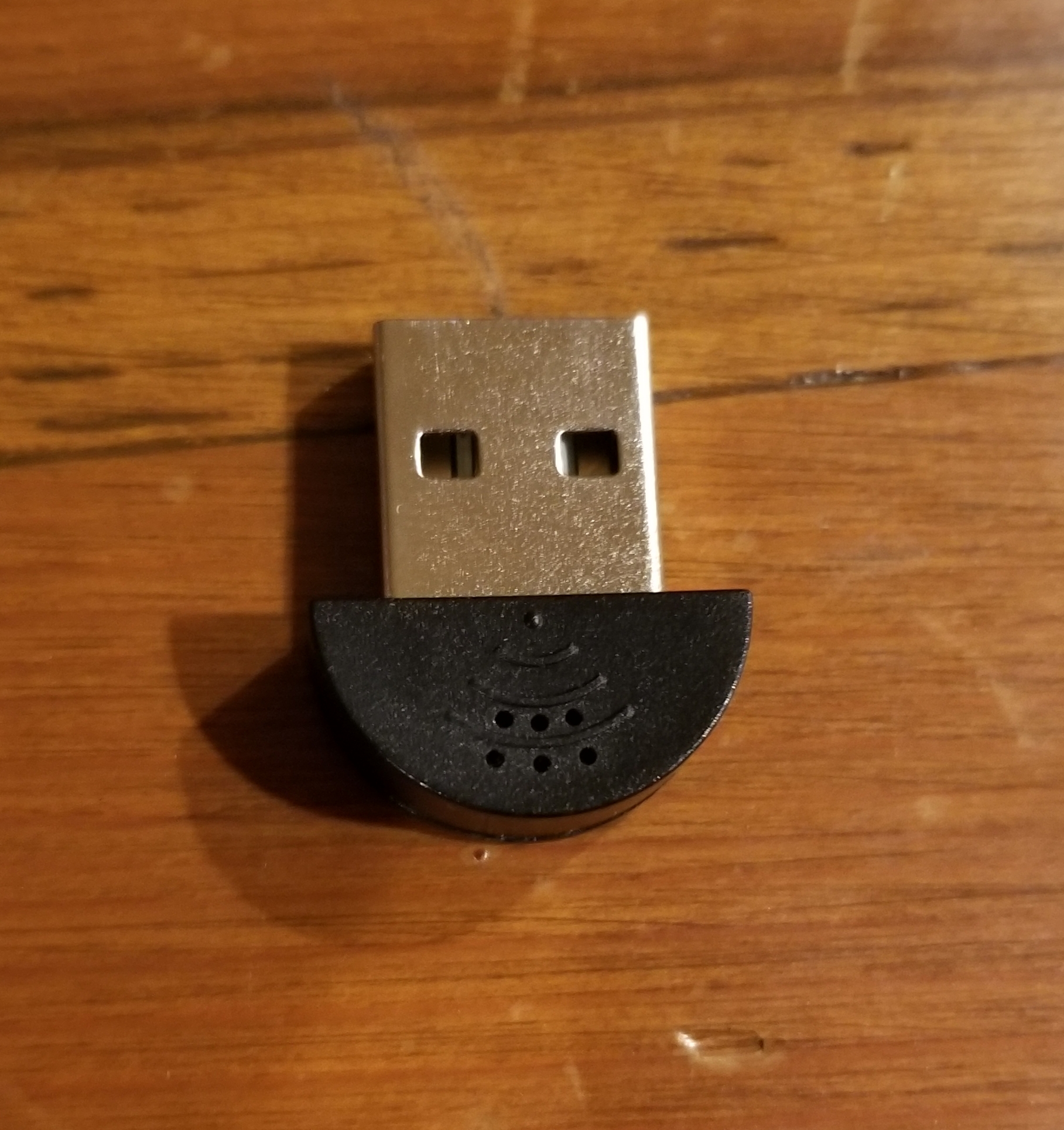
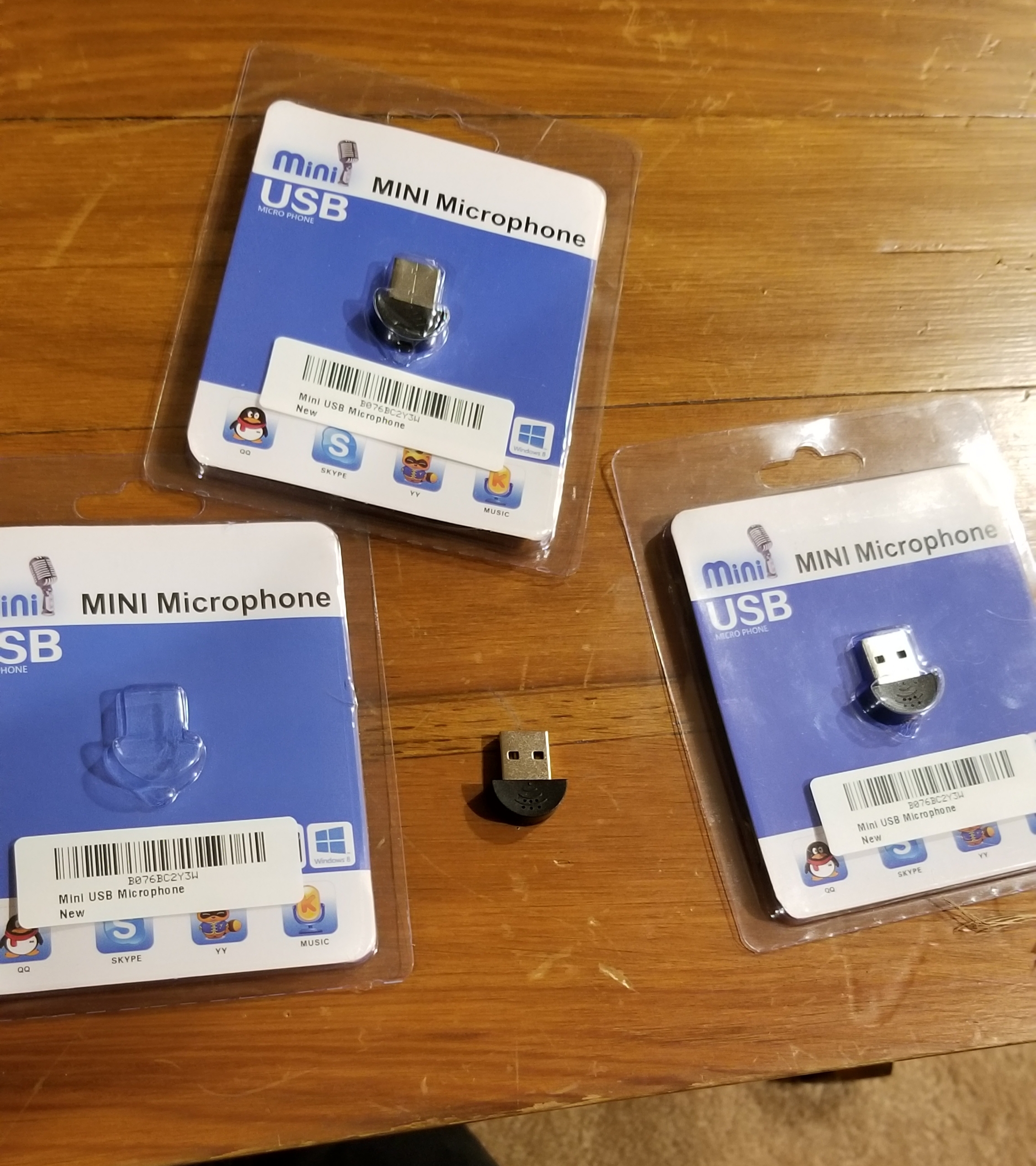
It took me ages to get the FFT or audio graph tests working with these microphones. The PortAudio library, what I’m using to connect to audio devices in c++ in the WaveTrace program, for some reason did not want to open an audio stream with these microphones. When listing the available devices that PortAudio could see, this is what one of these microphones looks like:
Device: 6
    Name: USB PnP Sound Device: Audio (hw:3,0)
    max input channels: 1
    max output channels: 0
    default sample rate: 44100.000000
Then, when opening a stream (and I double triple quadruple checked that all the parameters were good), I would get the error PortAudio Error: Invalid number of channels, despite being ABSOLUTELY SURE that the correct device ID was specified, and that the correct number of channels was given. I dug through the PortAudio documentation, and I saw that the channels parameter should be one or greater; if you look back at the output, it says there are 0 output channels. This, of course, makes perfect sence, since the device is a microphone, and shouldn’t have any outputs. I did some google searching, and looked for various solutions, but in the end, I decided to go with a fun little workaround that may end up being much more useful than I originally thought.
On my laptop, which runs linux, I can create new virtual audio devices, as well as modify the behaviour of audio devices, using the pactl command, which gives instructions to Pipewire’s PulseAudio server (essentially gives instructions to the Thing™ that has control over audio in my laptop). After doing some experimenting and research, I settled on the following two commands:
pactl load-module module-null-sink channels=1 channel_map=mono rate=44100 sink_name=usb1
pactl load-module module-loopback source=alsa_card.usb-C-Media_Electronics_Inc._USB_PnP_Sound_Device-00 sink=null_sink rate=44100
The first command creates a new dummy virtual audio device (aka a “null sink”) with a single mono channel (both input and output), with the name “usb1.” The second command then creates a “loopback,” which connects the input from the usb microphone (which is named “alsa_card.usb-C…”) to the dummy audio device we just created. The idea was that by doing this, since the virtual device we created has an output channel too, PortAudio will not complain about not having an output channel anymore. Sure enough, these commands led to the following output from PortAudio:
Device: 16
   Name: usb1 Audio/Sink sink
   max input channels: 1
   max output channels: 1
   default sample rate: 48000.000000
And without PortAudio complaining about the channels, I was able to succesfully get the FFT graph working with one of the usb microphones! I mentioned that this whole virtual device workaround turned out to have more potential than I originally thought. This is because I think that for the proof of concept, it may be much easier to first link all the microphones to a single virtual device with three channels (one per mic) as opposed to handling them individually with PortAudio.
What’s Next?
I ordered a usb splitter from amazon that should hopefully allow me to connect to all the microphones at once, and while that ships, I’m going to start prototyping some sort of mount that I can put all the microphones on to keep them fixed in place. Also, while explaining the project to a friend, I came up with what could potentially be a much more effective method than triangulation for estimating the direction that sounds come from, which I’ll write about in the next post.